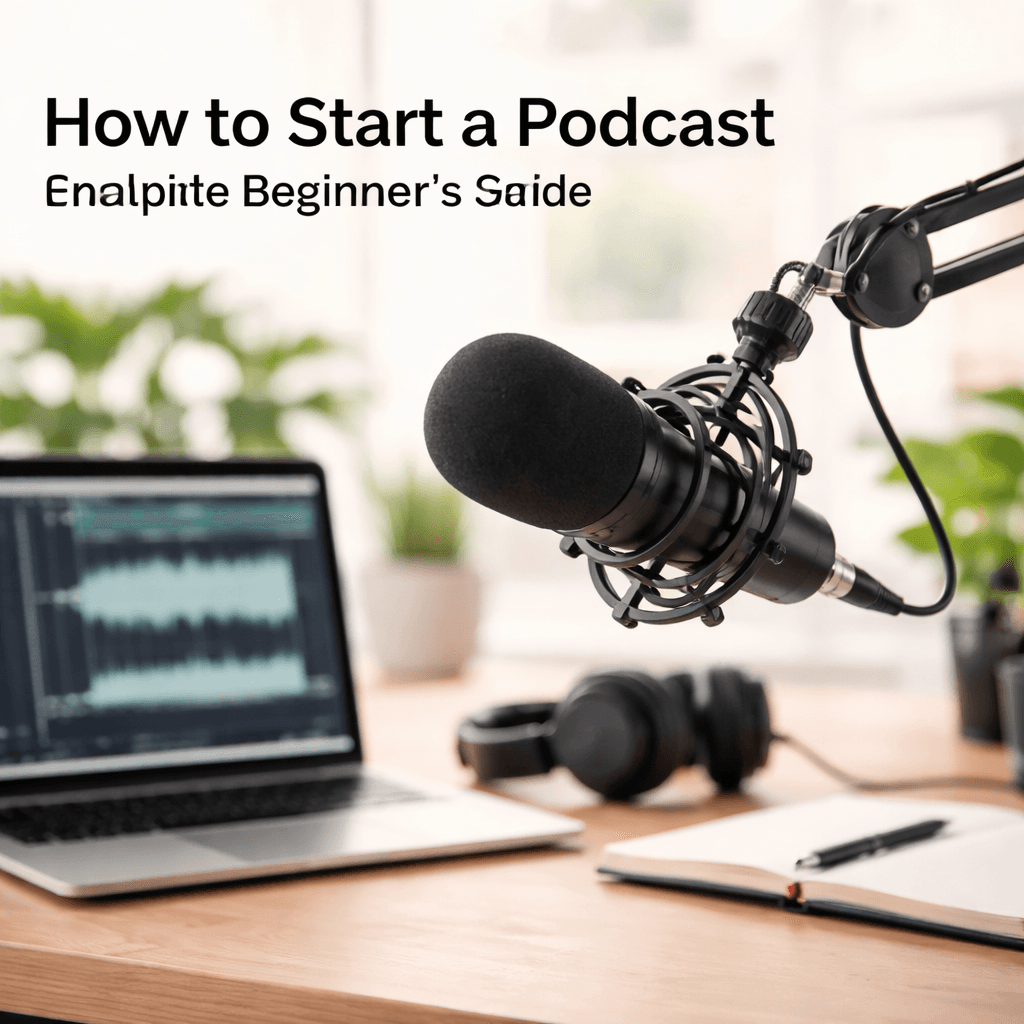
How to Start a Podcast: Complete Beginner's Guide
Starting a podcast has never been more accessible. With basic equipment, a compelling idea, and consistent effort, anyone can launch a show that reaches listeners worldwide. This comprehensive guide covers everything from choosing your topic to recording your first episode.
Whether you dream of interviewing fascinating guests, sharing expertise in your field, or simply having conversations with friends, this guide will help you turn that vision into reality.
Why Start a Podcast?
Podcasting offers unique advantages over other content formats:- Low barrier to entry: Start with a smartphone and free software
- Evergreen content: Episodes continue attracting listeners for years
- Deep audience connection: Audio creates intimate bonds with listeners
- Flexible format: Record anywhere, anytime
- Growing medium: Podcast listenership continues rising globally
- Monetization potential: Sponsorships, Patreon, merchandise opportunities
Step 1: Choose Your Podcast Topic
Your topic should balance three factors:- Your passion: What could you discuss for hundreds of hours?
- Your expertise: What do you know that others want to learn?
- Audience demand: Are people searching for this content?
Finding Your Niche
Broad categories with room for differentiation:- True crime (but focus on a specific angle or case type)
- Business (but target a specific industry or stage)
- Comedy (but develop a unique format or perspective)
- Education (but own a specific subject deeply)
Questions to ask yourself:- What do people ask you for advice about?
- What topics make you lose track of time?
- What gaps exist in current podcast coverage?
- What unique perspective can you offer?
For inspiration, check out our podcast topics and ideas guide.
Validating Your Idea
Before committing, research:- Search podcast platforms for similar shows
- Check if topics have search volume (Google Trends)
- Look for active online communities around your topic
- Consider: Is competition a good sign (proven demand) or oversaturation?
Step 2: Plan Your Format
Episode Formats
Solo/Monologue- You talking directly to listeners
- Easiest to produce, hardest to keep engaging
- Best for: Teaching, commentary, storytelling
Co-hosted- Two or more regular hosts
- Natural conversation, shared workload
- Best for: Discussion, debate, personality-driven content
Interview- You interviewing guests each episode
- Brings fresh perspectives, requires booking work
- Best for: Industry insights, networking, variety
Narrative/Storytelling- Heavily produced, scripted content
- Most complex to produce, most immersive
- Best for: True crime, history, journalism
Panel/Roundtable- Multiple guests discussing topics
- Dynamic conversations, coordination challenges
- Best for: News, reviews, community building
Episode Length
- Short (10-20 min): Daily news, quick tips
- Medium (30-60 min): Most common, commute-friendly
- Long (1-3+ hours): Deep dives, loyal audiences
Match length to content—don't pad or rush.
Step 3: Essential Podcast Equipment
Good audio quality is non-negotiable. Listeners will tolerate imperfect video but abandon podcasts with bad sound. See our complete podcast microphone guide for detailed recommendations.
Starter Setup (~$100-200)
Microphone:- Audio-Technica ATR2100x-USB (~$80): Great entry-level dynamic mic
- Blue Yeti (~$100): Popular USB condenser (works but picks up room noise)
- Samson Q2U (~$70): Budget dynamic mic with USB and XLR
Headphones:- Audio-Technica ATH-M20x (~$50): Reliable monitoring
- Any closed-back headphones prevent audio bleed
Software:- Audacity (Free): Basic editing, learning curve
- GarageBand (Free, Mac): User-friendly for Apple users
- Descript (~$12/month): Edit audio like a document
Intermediate Setup (~$300-500)
Upgrade microphone:- Shure SM7B (~$400): Industry standard for voice
- Rode PodMic (~$100): Broadcast-quality at budget price
Audio interface:- Focusrite Scarlett Solo (~$120): Clean preamps, reliable
Acoustic treatment:- Foam panels or moving blankets to reduce echo
Recording Environment
- Quiet room away from traffic, HVAC, appliances
- Soft surfaces (carpet, curtains) reduce echo
- Closets make surprisingly good vocal booths
- Record at consistent times to minimize interruptions
Step 4: Recording Your Podcast
Pre-Recording Checklist
- Test all equipment
- Silence phone notifications
- Have water nearby
- Review notes/outline
- Check recording levels
Recording Best Practices
- Speak 4-6 inches from microphone
- Use a pop filter or angle slightly off-axis
- Monitor audio through headphones
- Record locally (not through video call when possible)
- Leave room tone for editing
Remote Recording
For interviews with remote guests:- Riverside.fm: Records locally, high quality
- Zencastr: Free tier available
- SquadCast: Reliable backup recordings
- Zoom: Works but lower quality
Step 5: Editing Your Podcast
Basic Editing Workflow
1. Remove major mistakes, long pauses, "ums"
2. Cut intro and outro
3. Add music and sound effects
4. Normalize audio levels
5. Export as MP3 (128-192 kbps)
Editing Philosophy
- Tight edit: Remove all filler for polished sound
- Light edit: Keep natural conversation flow
- Match editing style to your format
Step 6: Podcast Naming and Branding
Your podcast name should be:- Memorable and easy to spell
- Descriptive of content (ideally)
- Unique (search before committing)
- Available as a domain and social handles
For naming inspiration, see our podcast names guide.
Cover Art
- 3000x3000 pixels, JPEG or PNG
- Readable at small sizes (think phone screens)
- Avoid too much text
- Use Canva or hire a designer
Step 7: Launching and Growing
Hosting Platforms
You need a podcast host to distribute your RSS feed:- Buzzsprout: Beginner-friendly, free tier
- Anchor: Free, owned by Spotify
- Transistor: Professional features
- Libsyn: Industry veteran
Directory Submissions
Submit to all major platforms:- Apple Podcasts
- Spotify
- Google Podcasts
- Amazon Music
- Stitcher
Growth Strategies
- Cross-promote with similar podcasts
- Engage on social media
- Ask for reviews (they matter for discovery)
- Create video clips for social sharing
- Guest on other podcasts
- Consistent release schedule
Related Articles
Related Topics